Astro.com
- Go to www.astro.com.
- Click on Charts and Calculations
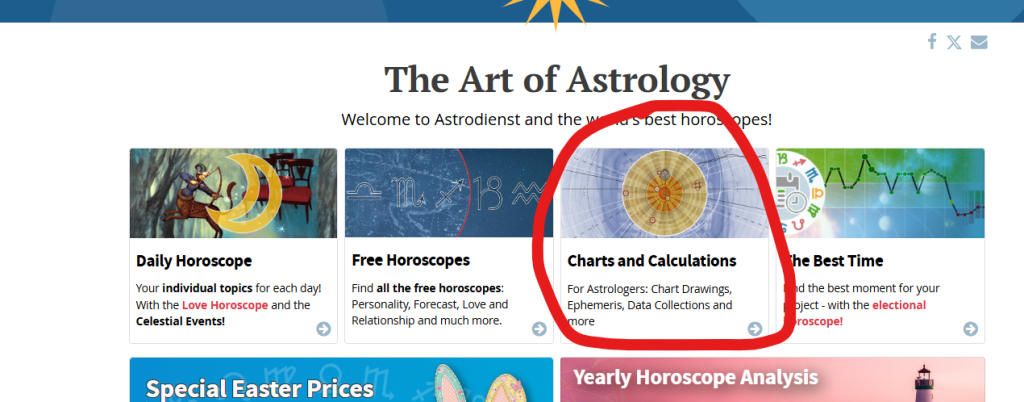
3. Click on “Extended Chart Selection”
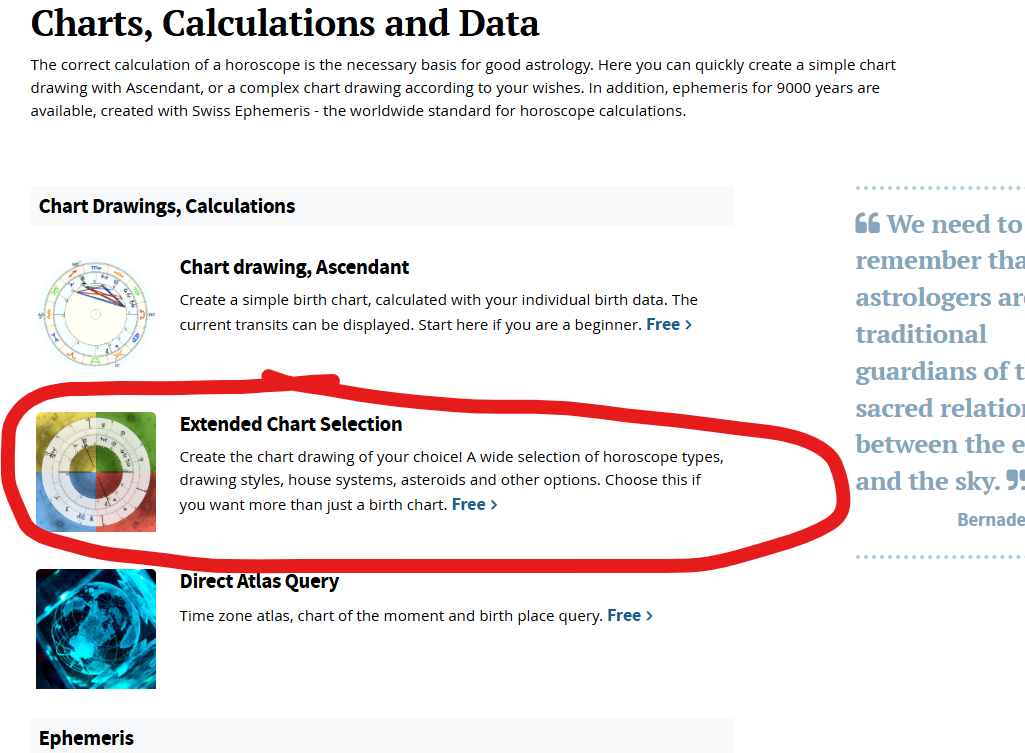
4. Open an account and put in your birth details.
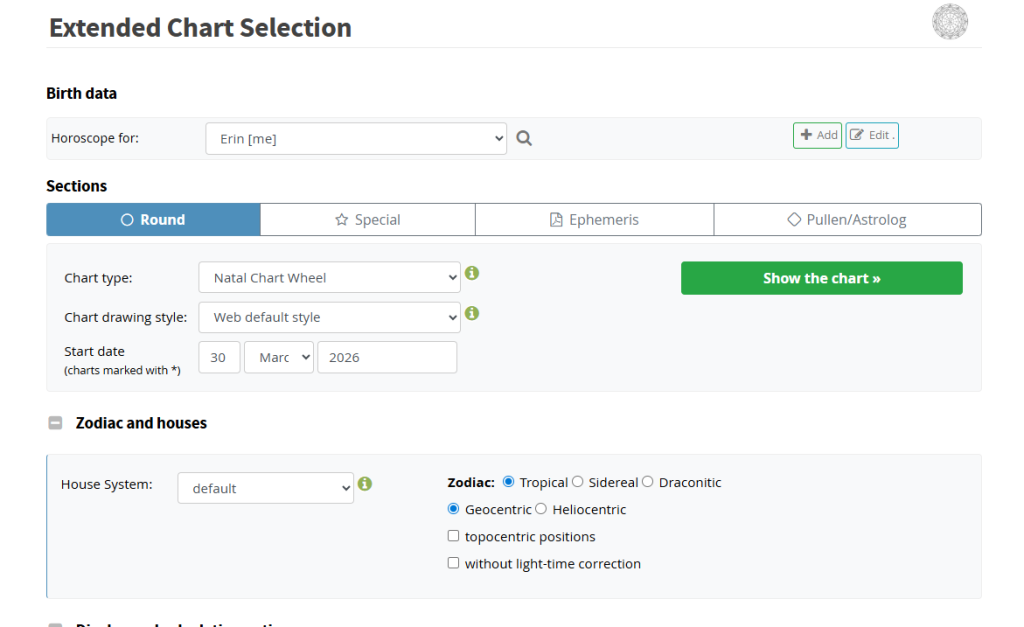
5. If you just want to see your birth chart (without transits, etc.), leave the Chart type as “Natal Chart Wheel”. Click the green “Show the Chart” button. You will see your chart.
6. Double-check your birth data.
If you think you might invest some time in Astrology, double-check with your parents next time you see them and even see if you can see your birth certificate (take a picture even). Mistakes can happen and you don’t want to learn something false about your chart because you mistook AM for PM or something, only to have to re-orient yourself to your chart later on. As you get to know your chart, you’ll start to feel like, “oh yeah that feels like me”, or “hmm, that doesn’t resonate…. ” but that takes time. If it’s off by a few minutes up to an hour-ish, our Ascendant lord or moon could be wrong. The moon is the fastest-moving planet and the Ascendant lord changes signs about once every 2.5 hours. Accuracy is particularly important for specialty timing techniques like looking at your divisional charts (vedic astrology).
Astro-Seek.com
- Go to astro-seek.com
- Hover over “Free Horoscopes” and select the first one: “Birth Natal Chart Online Calculator”
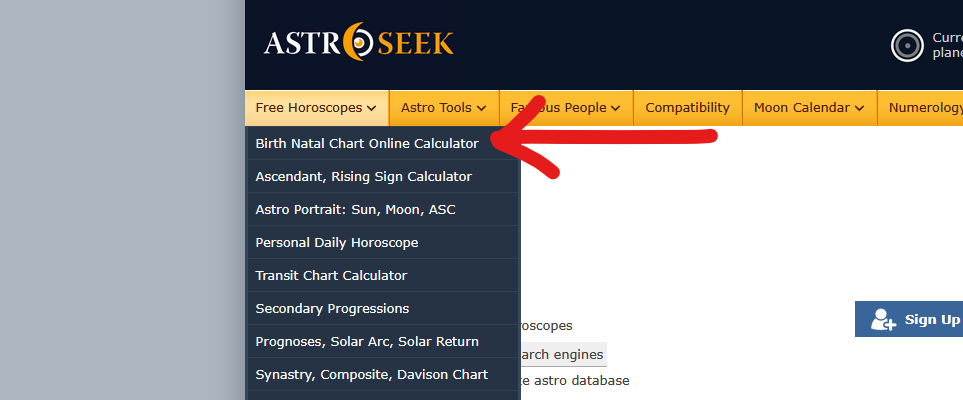
3. Input your birth data:
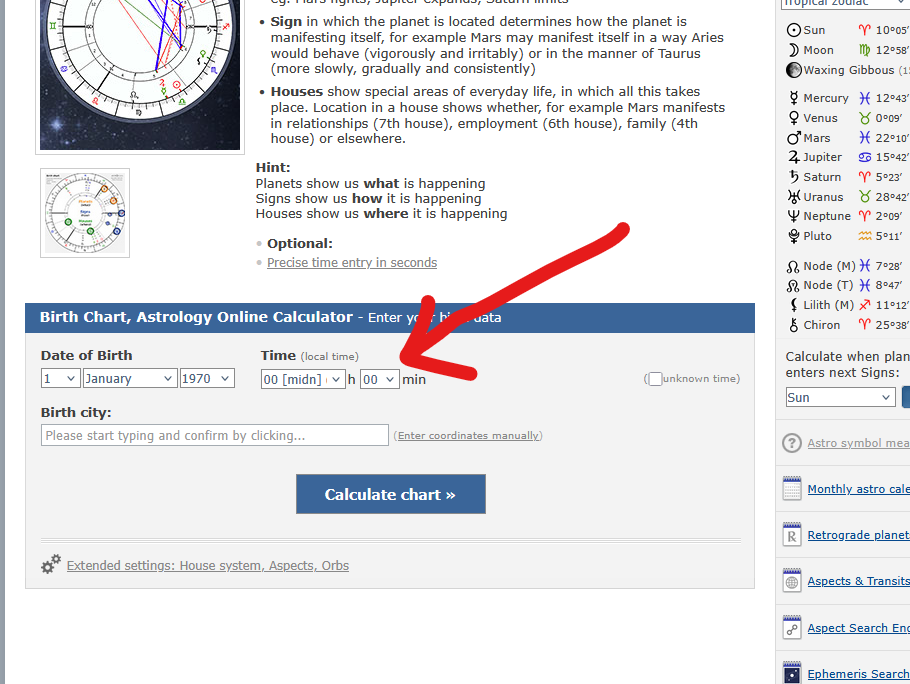
4. Click the blue “Calculate Chart” button.
5. Double-check your birth data! 🙂